


#
SMM Panel Dashboard Guide for Faster Order Management
Explore
SMMWolFix, browse the available
services, or review How
It Works before placing an order.
An SMM panel dashboard can turn scattered
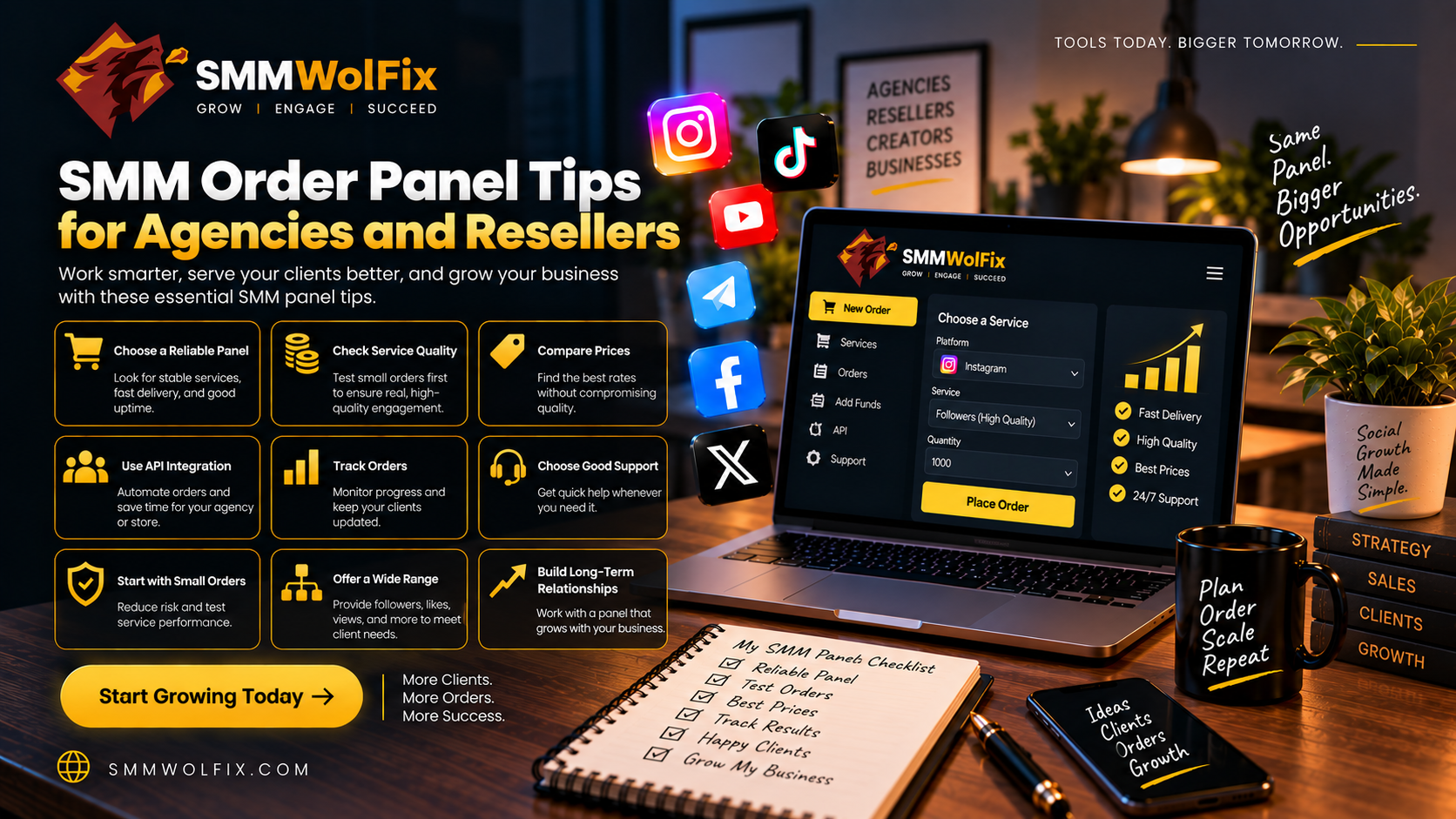
social media service requests into a more structured workflow. Instead of
tracking provider messages in different places, users can often review a
service catalog, add balance, submit orders, check status, and contact support
from one account.
SMMWolFix
provides this type of centralized environment for social media services. The
exact dashboard features and limits should be verified in the current account.
Main Dashboard Areas
A
typical panel includes the service list, order form, balance area, order
history, refill or support information, and account settings. Some panels also
include API, reseller, or bulk-order functions.
Learn
where each area is located before starting a campaign. This reduces errors and
makes it easier to answer a client’s status question.
Organize Orders with
Consistent Notes
Use
a naming convention for the client, platform, campaign, target, and date. Store
the order ID alongside the original link, selected service, quantity, cost, and
expected delivery.
Agencies
can maintain a separate internal spreadsheet or project board for approvals and
reporting. The panel should be the source for order status, while the team’s
system holds business context.
Avoid Common
Dashboard Errors
Check
the target link before submitting. Confirm the service is for a profile, post,
video, channel, page, group, or another target. Avoid duplicate orders and do
not assume that a completed status means the campaign achieved a business
result.
Keep
account credentials secure. Use only the information required by the provider
and limit internal access to staff who need it.
SMMWolFix as a
Central Workspace
SMMWolFix
offers categories for several social networks and a process based on account
balance, service selection, order placement, and tracking. This may help users
coordinate Instagram, TikTok, YouTube, Facebook, Telegram, and Twitter
requests.
Check
live service details, current prices, and support instructions before creating
a recurring workflow.
FAQs
What is an SMM panel
dashboard?
It
is the account area where users browse services, manage balance, place orders,
and track status.
Can an agency use a
dashboard for client work?
Yes,
if the agency creates approval, security, and reporting procedures around the
provider account.
What should I save
after an order?
Save
the target link, service name, quantity, price, date, order ID, status, and
final result.
Final Thoughts
For
more practical guides, visit the SMMWolFix blog.
A
dashboard is valuable when it improves organization and accountability. Use SMMWolFix’s panel with consistent notes, careful target checks,
and realistic reporting.
Review the SMMWolFix dashboard and create a
simple order-management process before scaling.