


#
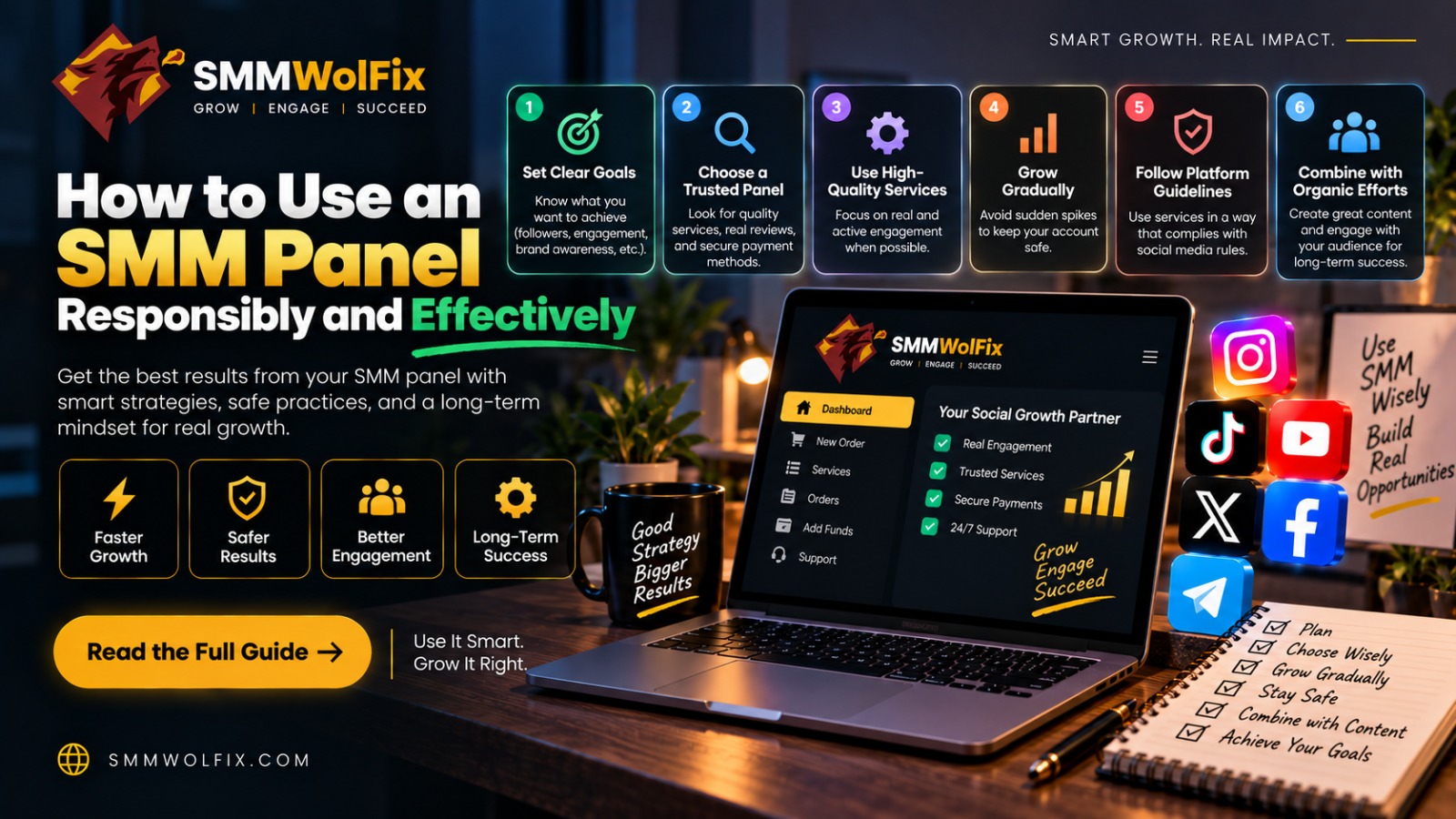
How to Use an SMM Panel Responsibly and Effectively
Explore
SMMWolFix, browse the available
services, or review How
It Works before placing an order.
An
SMM panel is easier to use when the campaign is planned before the order is
placed. The process should begin with a clear objective, a suitable platform, a
public target link, and a realistic measurement plan.
SMMWolFix
provides a central dashboard for reviewing social media services. The following
workflow can help beginners, businesses, and agencies use a panel more
carefully.
Define the Objective
Decide
what you want to support. The objective might be profile discovery, video
visibility, post engagement, channel promotion, or a more organized agency
workflow. Avoid vague goals such as “make it viral.”
Choose
a metric that connects to the objective. For a video, this may include
retention and profile visits. For a business page, it may include messages,
clicks, or enquiries.
Select the Right
Service
Review
the platform and target type. A service for a public video is not necessarily
suitable for a private post or profile. Read the description, limits, delivery
expectations, refill terms, and support instructions.
Check
the current SMMWolFix catalog because availability and conditions can change.
If the product is unclear, contact support before ordering.
Prepare the Target
Link
Copy
the exact public link and check it in a separate browser window. Confirm that
the content is accessible, current, and the intended target. Do not submit a
private or unrelated link.
Record
the target URL, service, quantity, date, and campaign purpose. This information
makes later reporting easier.
Test Before Scaling
Start
with a small quantity. Review order status and compare delivery with the
service description. If there is a problem, keep the order ID and contact
support before submitting another order.
Do
not use a panel to create fake customer testimonials, impersonate people,
harass users, or mislead an audience. Follow platform rules and protect your
credentials.
Measure and Improve
After
delivery, review meaningful actions. Compare views with retention, followers
with profile visits, and likes with clicks or enquiries. Use what you learn to
improve the content itself.
A
panel should support a broader marketing system that includes original content,
customer service, email or website conversion, paid advertising where
appropriate, and community management.
FAQs
Can beginners use an
SMM panel?
Yes,
if they read the service details, start with a small test, and keep accurate
order records.
Should I place
several orders at once?
Only
when the provider’s conditions allow it and the targets are correct. Duplicate
orders can create confusion.
Is responsible use
important?
Yes.
Follow platform policies, avoid misleading activity, and protect account and
customer information.
Final Thoughts
For
more practical guides, visit the SMMWolFix blog.
Using
an SMM panel effectively requires planning, testing, security, and measurement.
SMMWolFix can organize services, but the strategy and content
remain your responsibility.
Review the SMMWolFix workflow and begin
with one clearly defined campaign objective.